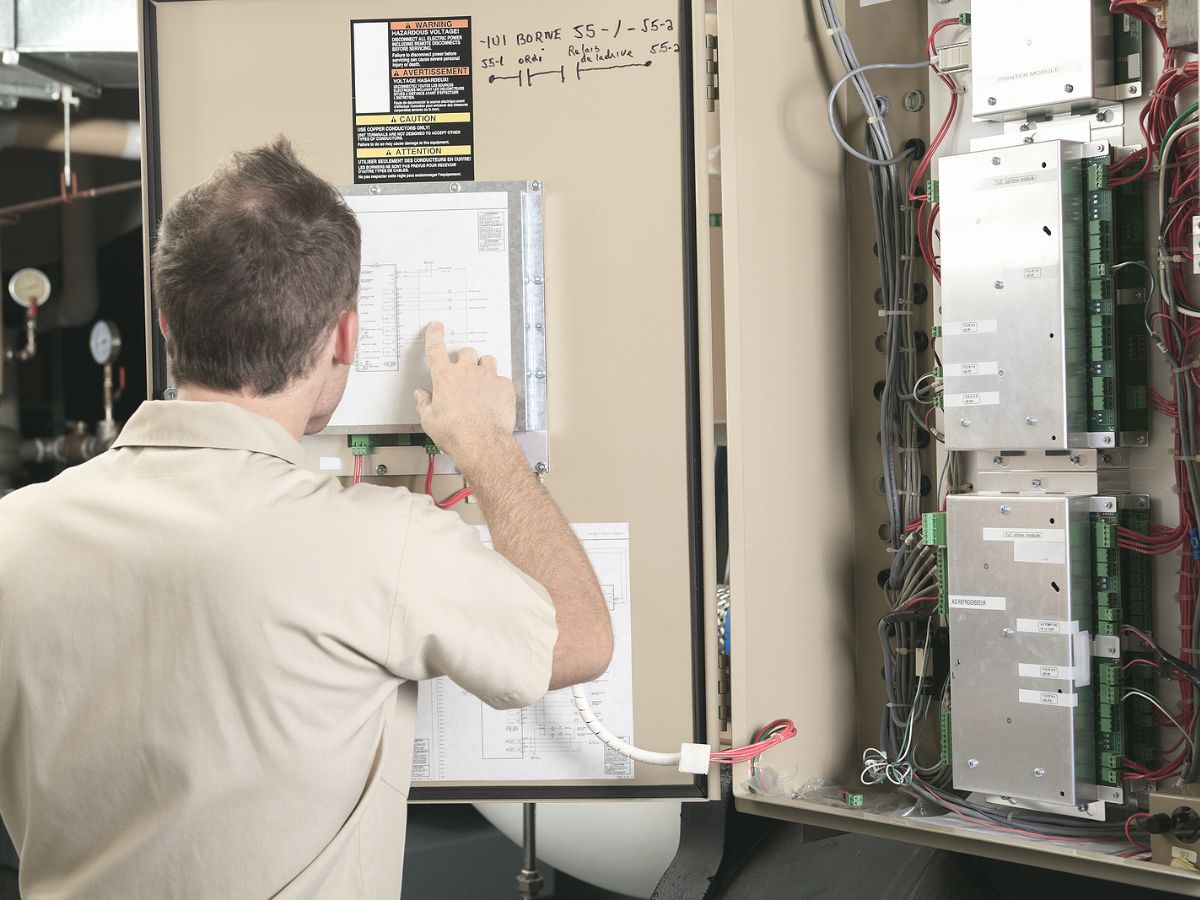
Resource scheduling software helps you coordinate crews, vehicles, and equipment across commercial contracting operations in the United States. A job isn’t ready simply because you’ve assigned someone to it. Your team also needs transportation, the right tools, available materials, and site access.
When those details live in separate calendars or messages, a full schedule may hide work that isn’t ready to start.
Build Your Schedule Around Job Requirements
Start with what each job requires, then match resources to the work. A rooftop HVAC repair might need a qualified technician, a service vehicle, replacement components, and coordinated roof access. Scheduling labor without confirming the other requirements leaves you exposed to delays.
Your contractor scheduling software should help you keep those details connected to the work order. Use consistent job information so dispatch doesn’t have to reconstruct the assignment from an estimate, a text message, and a conversation with the customer.
- Required skills and crew size.
- Expected work duration and appointment window.
- Vehicle, tool, and equipment requirements.
- Material availability and site access arrangements.
Match Crew Scheduling To Skills & Availability
Crew scheduling software is most useful when your schedule reflects who is available and qualified for the assignment. An open calendar slot doesn’t establish that someone has the necessary experience, authorization, or support to complete the work.
Account for leave, training, ongoing assignments, and travel between sites. If a plumbing repair needs two people for part of the day, record that requirement rather than blocking both for the entire project. You’ll get a more accurate view of capacity without understaffing the task.
Include Vehicles In Your Dispatch Decisions
Your vehicle plan needs to follow the crew plan. A technician may be available while the assigned truck is undergoing service or carrying equipment needed elsewhere. Confirm transportation before promising an arrival time.
Location matters, too. Sending a nearby crew often reduces travel, but proximity shouldn’t outweigh qualifications or job readiness. When reviewing construction dispatch software, distinguish technician location tracking from vehicle assignment and availability.
Reserve Shared Equipment For The Full Assignment
Equipment scheduling software should help you account for the time an asset is unavailable to other crews. That often extends beyond the hours spent working. Pickup, transport, setup, and return all affect when equipment is ready for its next assignment.
For example, a lift reserved for morning work may still be at the first site when another crew needs it that afternoon. Record the handoff details and allow time for movement between locations.
- Equipment identifier and assigned job.
- Reservation period, including transport and setup.
- Pickup location and person responsible.
- Return arrangements and availability for the next crew.
Connect Material Tracking To Job Readiness
Material tracking adds another layer to your scheduling decisions. Knowing what a job needs is different from knowing the items have arrived, been checked, and are available for that assignment.
Before releasing work, confirm whether materials are in stock, allocated elsewhere, on order, or awaiting delivery. Record shortages against the job so dispatch sees the constraint. If an electrical project is waiting for a specified component, you might schedule approved preliminary work separately rather than sending a full crew to wait onsite.
Keep Dispatching & Scheduling Connected
Scheduling establishes the plan. Dispatching puts that plan into motion and responds when conditions change. Your dispatching program needs access to current assignments, work order details, and field updates so a change doesn’t create another conflict.
Set a clear process for moving work. Before reassigning a crew, review what happens to its vehicle, equipment, materials, and original customer commitment. A calendar change alone doesn’t complete the handoff.
- Confirm which resources are available for reassignment.
- Update the affected work orders and schedule.
- Notify the crew and verify receipt of the change.
- Communicate revised timing to customers and other affected teams.
Use Field Updates To Keep The Schedule Accurate
Job tracking and scheduling software should connect planned work with what’s happening onsite. If your crew reports that access is delayed or a repair needs additional parts, dispatch needs that information while there’s still time to adjust the day.
Define a small set of useful statuses, such as scheduled, in progress, waiting, and complete. Pair a delay status with a reason and the next action required. “Waiting for customer approval” gives you something to resolve; “not finished” leaves the office guessing.
Leave Room For Emergency Calls & Delays
A schedule filled to the last minute gives you little flexibility when an urgent service request arrives. Travel, loading, documentation, and unexpected site conditions also consume time, even when they don’t appear on the appointment calendar.
Review your workload before committing every available crew. Decide which jobs have firm access windows and which customers would accept a change. Then establish who approves priority changes.
You’ll respond more consistently when dispatch doesn’t have to negotiate those decisions during an emergency.
Review Planned Work Against Actual Results
Your completed jobs provide information for the next schedule. Compare estimated duration with actual labor, and separate productive work from delays caused by access, travel, materials, or equipment.
Look for recurring issues rather than judging one difficult assignment. If certain service calls consistently take longer than scheduled, adjust their planning assumptions. If equipment transfers repeatedly hold up crews, revise the reservation window.
Better records help you identify where the schedule needs to change instead of treating every delay as an isolated problem.
See How Your Scheduling Workflow Fits Together
If your office spends too much time reconciling calendars, chasing updates, and rebuilding dispatch plans, review how your scheduling information moves from the first request to job completion. Dataforma provides field service management tools for commercial contractors, with scheduling, work orders, mobile reporting, and related business information.
Request a demo and bring a typical dispatch scenario so we can walk through the workflow with your team.